Drawquarium Steam Demo: What to Try Before Buying
The free Drawquarium Steam demo is available alongside the full PC game, which launched on November 13. The aquarium sandbox from developer byKaleb and publisher rokaplay lets you draw fish, watch them swim and build a tank around them. Steam lists the demo on the same page as the paid version, so you can try the core idea before choosing whether to buy.
In its launch announcement, the publisher reported more than 200,000 wishlists around release. That’s a sign of player interest in this particular game. It measures Steam wishlists, while search demand would require separate data. Start with the official Steam listing for the demo, current price and hardware details.
What to try in the Drawquarium Steam demo
Start by drawing a simple fish. An oval with a tail and one bold mark will teach you more about how the drawing looks when it moves than spending an hour on your first design. Try a second fish with a different outline or colour so you can pick it out when both are in the tank. The developer also describes ready-made fish as an option for people who want to start decorating immediately.
The paid game features a light progression system in which raising fish and collecting golden scales unlocks more decorations and tools. Use the demo to check whether drawing and taking care of the fish would keep you interested between unlocks. Steam’s description says the paid game adds content and features. Check what the demo menu actually makes available before assuming it offers every option.
Check the wallpaper option and your hardware
Steam describes the animated aquarium wallpaper as a feature of the game. If that is the reason you are interested, check the wallpaper settings and available options on your own PC. A desktop with more than one display, or a laptop you use away from a charger, poses different questions from an aquarium you run briefly in a game window. Consider where you would use it and what else usually runs at the same time.
The listed minimums include 8 GB of memory and graphics in the class of an NVIDIA GTX 1060 or AMD RX 580. Compare the full requirements with your machine, particularly if it relies on integrated graphics. The developer recommends the demo for older hardware. Check how the drawing tool responds and whether the tank stays comfortable to watch while another application is open.
Steam lists a mouse-only input option and marks the game Playable on Steam Deck. That compatibility label gives you a starting point. If you want to draw on a handheld, use the demo to check whether the controls and canvas size suit you before buying for that device. Comfortable drawing may matter more to you than whether the game simply starts.
Which version should you open?
On Steam, find the download button next to the demo label on the official store page. If you decide to buy the full game, use the price shown in your signed-in India store. Bundles include other titles and can give a different total, so look at the individual game price before comparing them.
For a recent release built around sharing a screen with other people, see Bootpoot’s Castlebound co-op guide. Drawquarium’s store page describes a single-player aquarium. Its drawing tools and background use are the two things to spend time with before deciding whether it suits you.
If you already draw in another program, the developer says the game can import PNG artwork. Try a clean outline with a transparent background and see how it reads at the scale of a swimming fish. Keep the original file so you can make a clearer second draft without starting over.
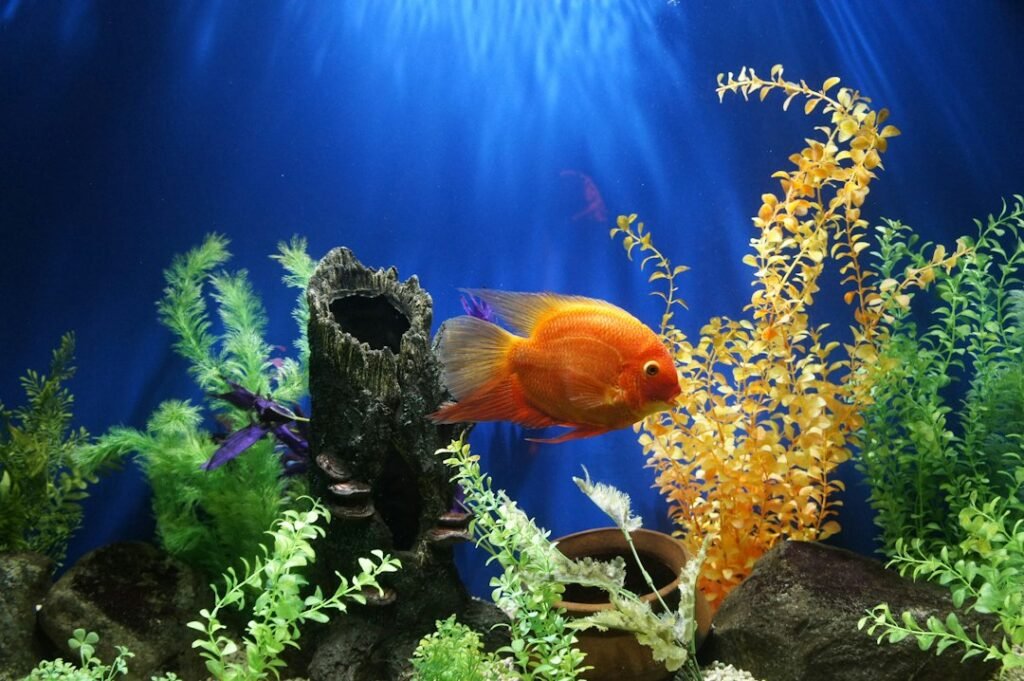
Illustrative photo by Delbert Pagayona / Unsplash.