Arknights Endfield Android: 5 Checks Before Downloading
Arknights Endfield Android is back in the spotlight after Google named it India’s Best Game in the 2026 Google Play awards on November 17. The award provides a timely reason to look at the game, but downloading it deserves a little preparation. Check the official requirements, available space and purchase settings before committing a large share of your phone’s storage or mobile-data allowance.
What is Arknights Endfield Android?
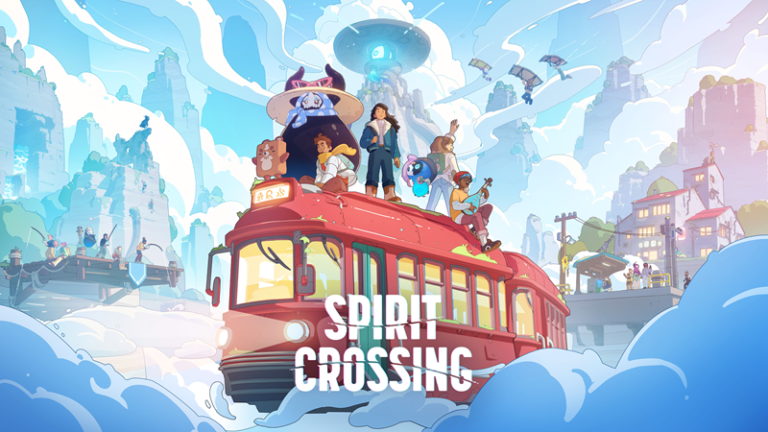
The developer’s Google Play listing describes a 3D real-time strategy RPG set on Talos-II. Players lead operators, explore and collect resources while developing production lines through the AIC Factory. It is free to download and includes in-app purchases, including random items. The listing identifies GRYPHLINE as the publisher.
The combination of exploration and production makes it worth checking the official gameplay material before deciding it fits your preferences. Someone seeking only quick matches may want a different kind of game from someone interested in building systems over longer sessions. An award is not a substitute for understanding that distinction.
1. Compare your phone with the published requirements
The developer’s January launch requirements list Android 10, 6GB RAM and a Snapdragon 855, Dimensity 1000 or Kirin 990 class processor as the minimum Android specification. Recommended hardware rises to 8GB RAM and a Snapdragon 8+ Gen 1, Dimensity 9000 or Kirin 9000S class chip. The notice also carries GPU compatibility restrictions.
Those are dated launch requirements, not a guarantee for every subsequent update. Recheck the current official client and your device’s store compatibility. If your phone is close to the minimum, look for recent testing of that exact model rather than assuming two devices with similar marketing names will behave alike.
2. Make room for the full installation
The same launch notice specifies at least 25GB of free Android storage and recommends stable Wi-Fi for the large download. Updated resource packs may change what you need today. Check free space after installation as well as before it, and allow room for future updates and the files you use outside the game.
Back up personal photos before deleting anything to create space. Avoid removing unfamiliar system files or installing a “storage booster” from an unofficial download link. If your connection has a daily cap, check the download prompt and network settings before leaving a large resource installation running unattended.
3. Start from the official download path
Use the game’s official website or the GRYPHLINE store listing. Check the publisher name before installing, particularly when an advert or search result uses a similar icon. Avoid unofficial APK bundles promising unlocked characters or free paid currency; they are not an appropriate basis for a secure account setup.
Choose a sign-in method you can continue accessing. The launch notice says save data under the same account synchronises between platforms, so keeping track of the account matters if you later change devices. Read the current linking instructions before creating a second account or attempting a transfer.
4. Set spending rules before the first purchase
Read the price and conditions of a purchase in your own regional store. Random-item purchases should not be treated as a guaranteed route to a particular result. Set a budget independently of any countdown, and turn on appropriate store authentication if someone else can access the device.
For younger players, discuss limits before playing rather than after a charge appears. Bootpoot’s parental-control guide explains a separate game’s controls; the broader habit of checking chat, time and spending settings remains useful, while each game’s actual options must be verified separately.
5. Judge performance in your normal session
Begin with conservative graphics settings and observe heat, battery use and readability over a representative session. Keep account information private when sharing screenshots or requesting support. If the device struggles, use the official support route and record the model and client version. This download guide reports published requirements and practical preparation steps; it does not claim hands-on performance testing or invent a benchmark result.
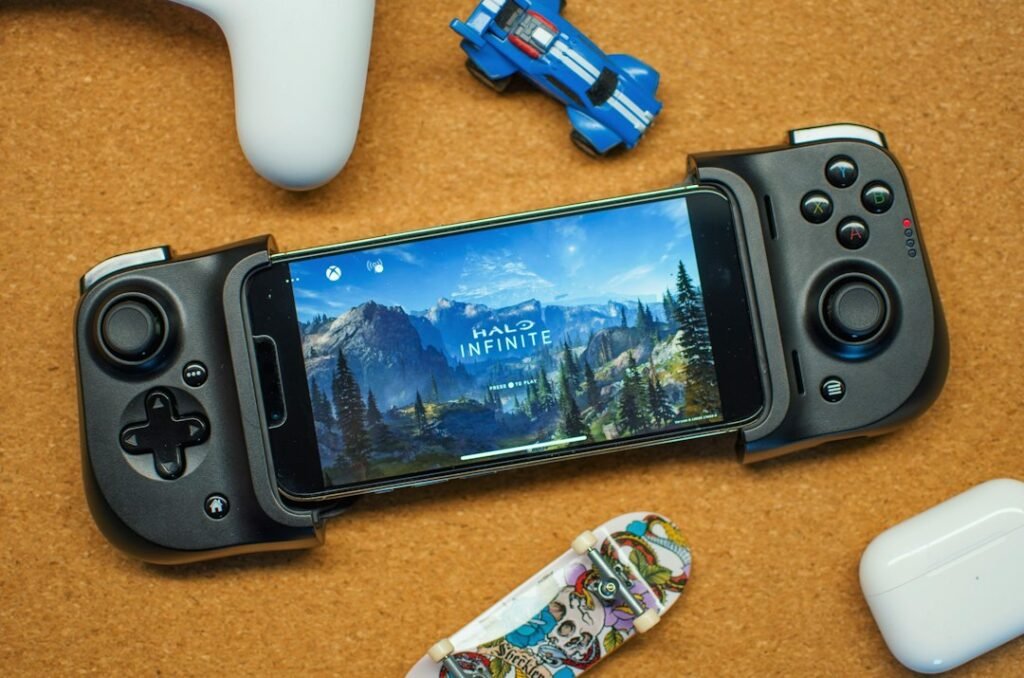
Illustrative mobile-gaming photograph showing Xbox Cloud Gaming, not Arknights: Endfield gameplay or a claim of Xbox availability. Photo by Ryland Dean on Unsplash.