Adobe Premiere Android: 5 Checks Before Your First Video
Adobe Premiere Android has a fresh reason to attract attention: Google named it India’s Best App in its 2026 Google Play awards on November 17. For someone making classroom explainers, product demonstrations or short social videos, the more useful question is whether it fits the phone and workflow they already have. Start with a small project and verify the exported file before moving an important assignment into a new editor.
Adobe Premiere Android requirements and free features
Adobe’s Android launch announcement specifies Android 13 or later and at least 5GB of RAM. It describes a free editing experience without adverts or watermarks, with paid upgrades for additional generative credits and storage. Those requirements are a starting point, rather than a promise that every compatible phone will handle every project equally well.
Check the Play Store listing on your own device before downloading. Leave room for original clips, project files and the export. Keep the original recordings until you have checked the final video. An editor’s project file is useful for returning to an edit; it should not be your only copy of an irreplaceable recording.
1. Choose one job for the first project
A thirty-second demonstration is a better first exercise than an entire event recording. Write down the intended result: for example, showing a student where to find an application deadline. Record an opening shot, the relevant screen or document, and a short closing explanation. Avoid including private details in footage that will become public.
Decide where the video will appear before arranging the frame. A vertical explanation and a horizontal classroom presentation need different compositions. Keep important words away from the edges, where player controls or another app’s interface may cover them. Review the draft on the same kind of screen your audience will use.
2. Build the story before adding effects
The official Android overview describes multiple video, audio, text and graphic layers, alongside audio enhancement and effects. Use that flexibility to clarify the sequence. Put the answer early, remove repeated explanations and let supporting footage show the detail that narration would otherwise describe at length.
For a tutorial, try one sentence per action. Show the button before explaining the next step. Play the timeline without looking at the screen, then watch it with the sound off. These two checks can reveal whether an essential instruction exists only in a fleeting visual or only in a quiet voiceover.
3. Check speech and captions carefully
Audio enhancement can help with noisy recordings, but always compare the result with the original. Listen for clipped consonants and unnatural changes between sentences. Lower background music when someone speaks. An attractive edit is less useful when the viewer has to replay it to understand a date or a name.
Check any generated text against the recording, especially Hindi, Hinglish, abbreviations and personal names. Features can differ between platforms and app versions. Adobe’s launch post also identifies features planned for later, so confirm the tools available in your installed version rather than assuming every desktop or iPhone feature is already present.
4. Review costs before using extra services
Adobe’s mobile FAQ distinguishes free editing from generative services and extra storage. Look at the actual purchase screen before authorising a payment. For recurring client work, record which assets and services you used so another person can understand the project’s costs and permissions.
5. Inspect the exported video
Watch the exported file all the way through. Check the first frame, the ending, voice levels and small text. Send a private test copy if someone else must approve it. Keep a clean master separately from versions compressed for messaging. If phone hardware is also on your shortlist, use Bootpoot’s phone buying checklist to plan a practical demonstration. The award is a useful discovery signal; a successful project on your own device is the better reason to adopt the app.
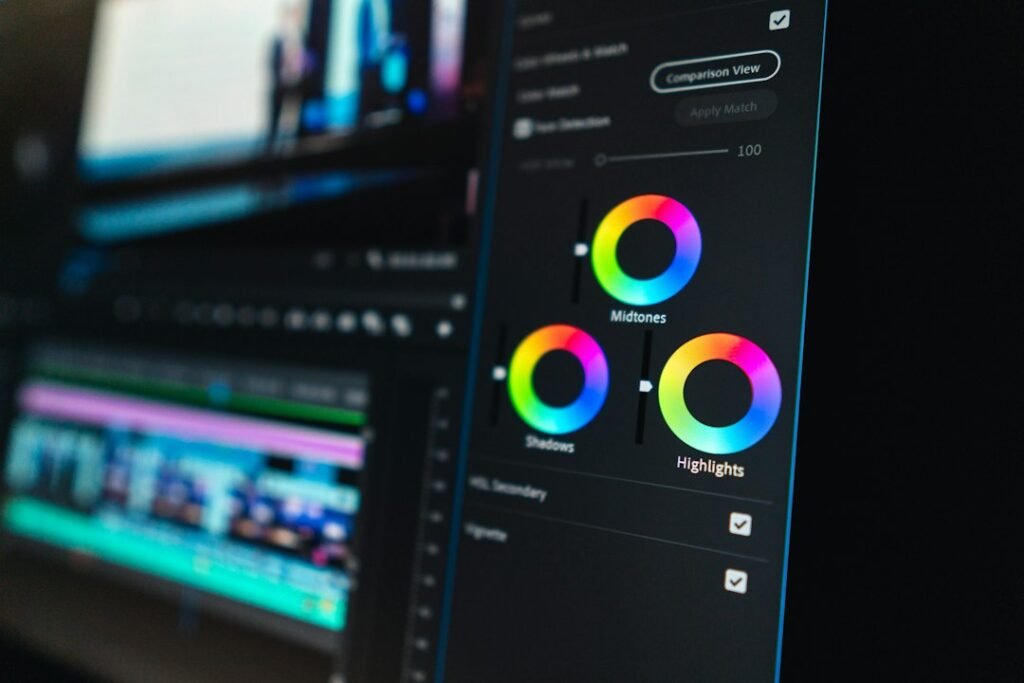
Illustrative photograph of desktop Premiere Pro, not the Android interface. Photo by Peter Stumpf on Unsplash.